
POTENTIAL PAYOUT UP TO
300%

Get to know Zemmy Trade and learn how to open the web app from your home screen.

POTENTIAL PAYOUT UP TO
300%
DEPOSIT. TRADE. WITHDRAW.
ALL IN ONE
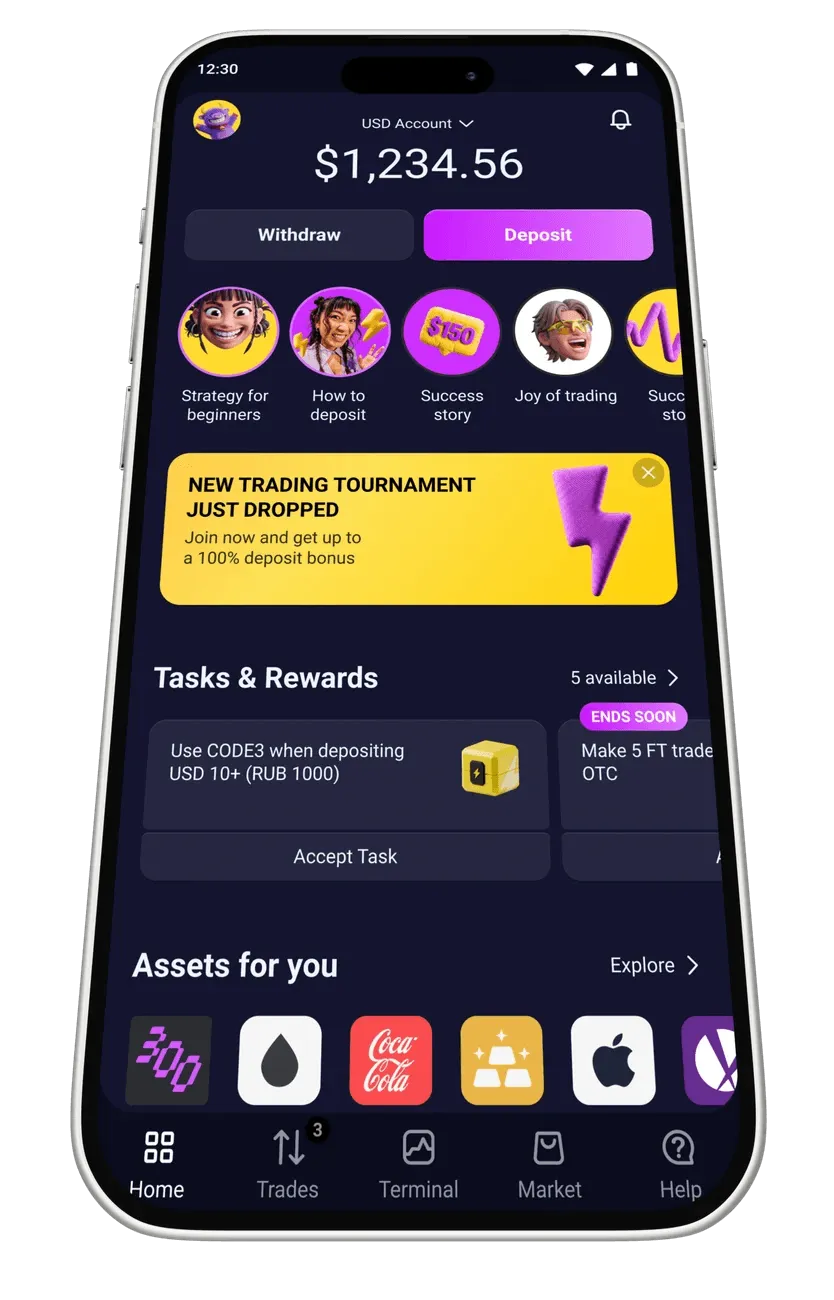
MINIMUM DEPOSIT$10. TRADE FROMJUST $1

ALL THE ESSENTIALS, IN ONE PLACE.
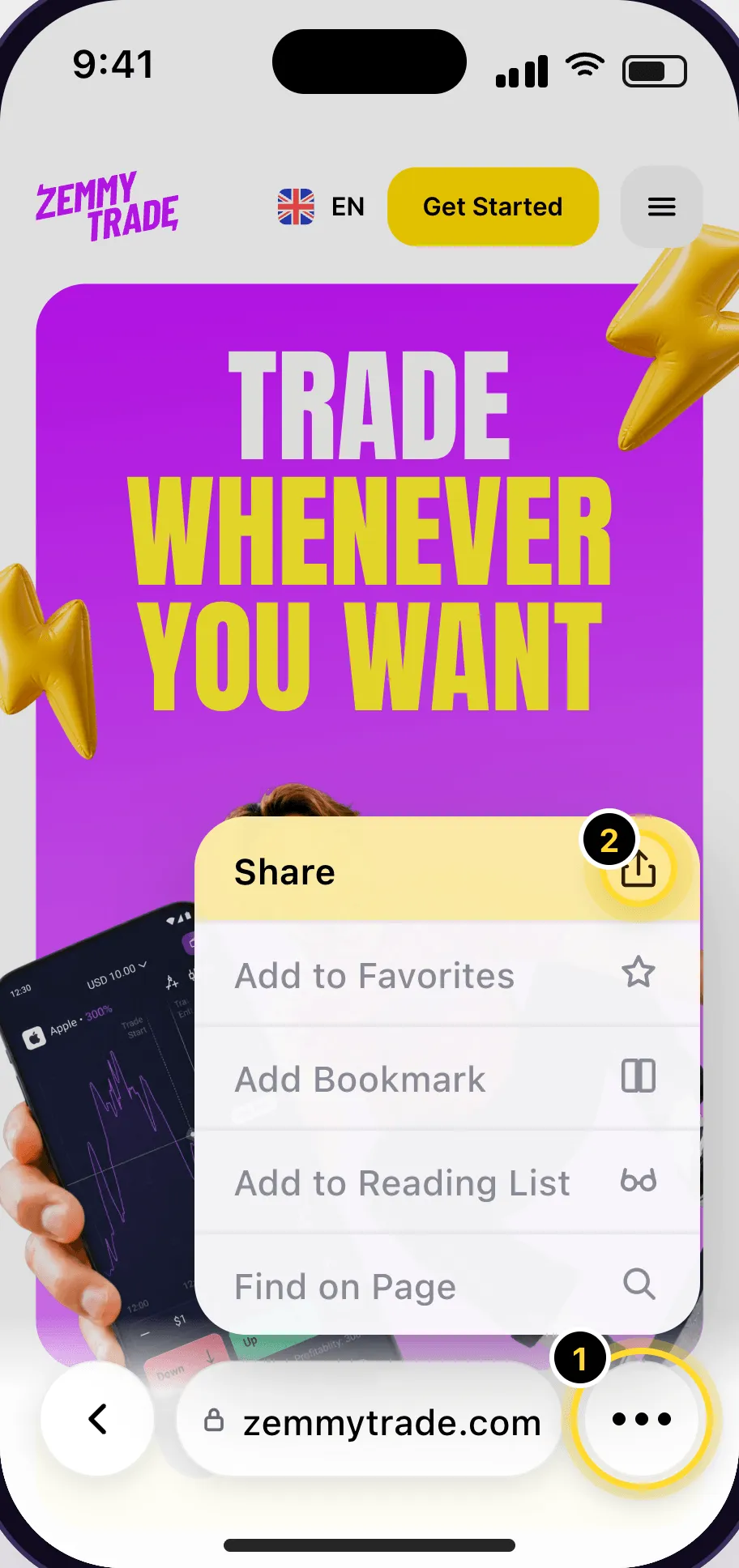
Open zemmytrade.id in Safari on your iPhone.
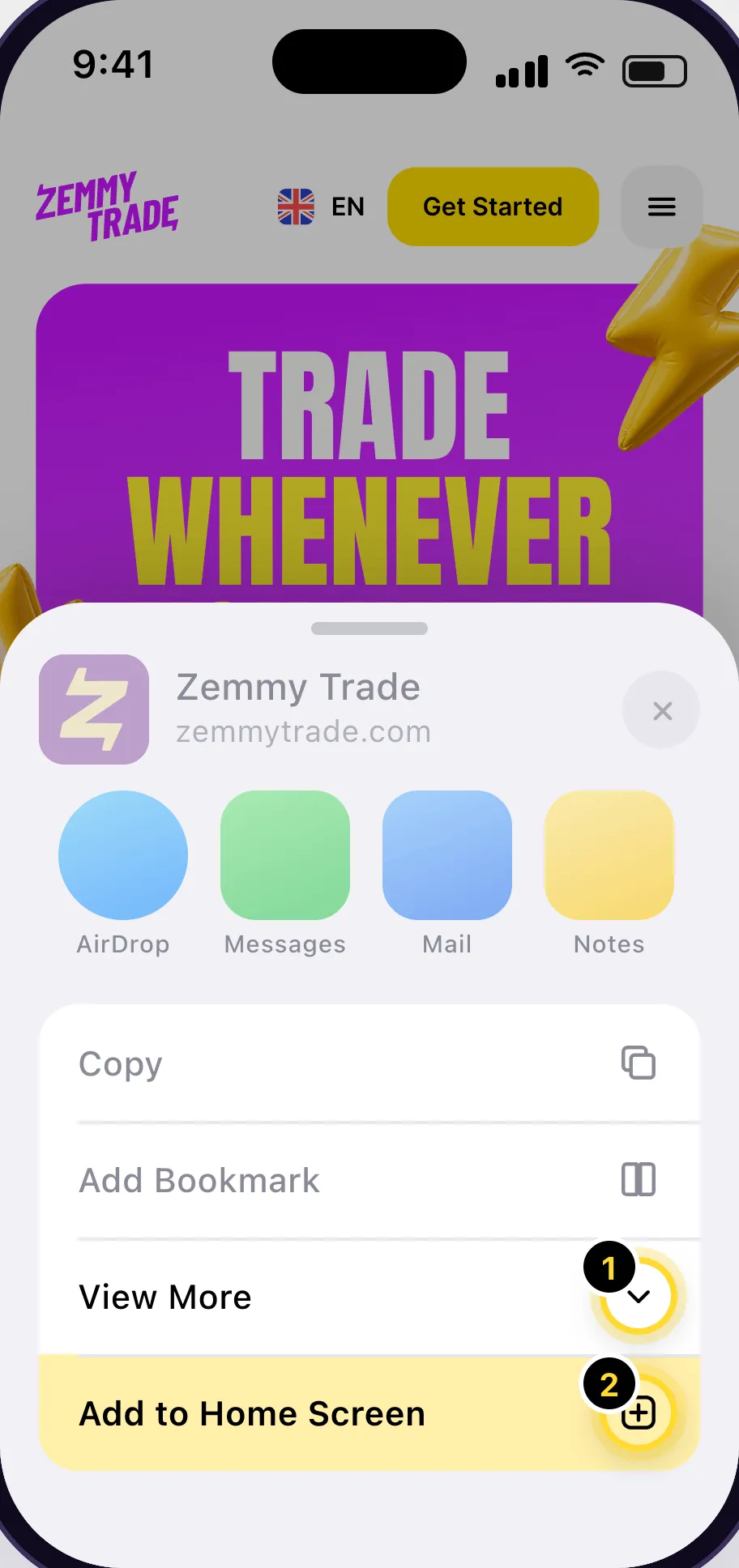
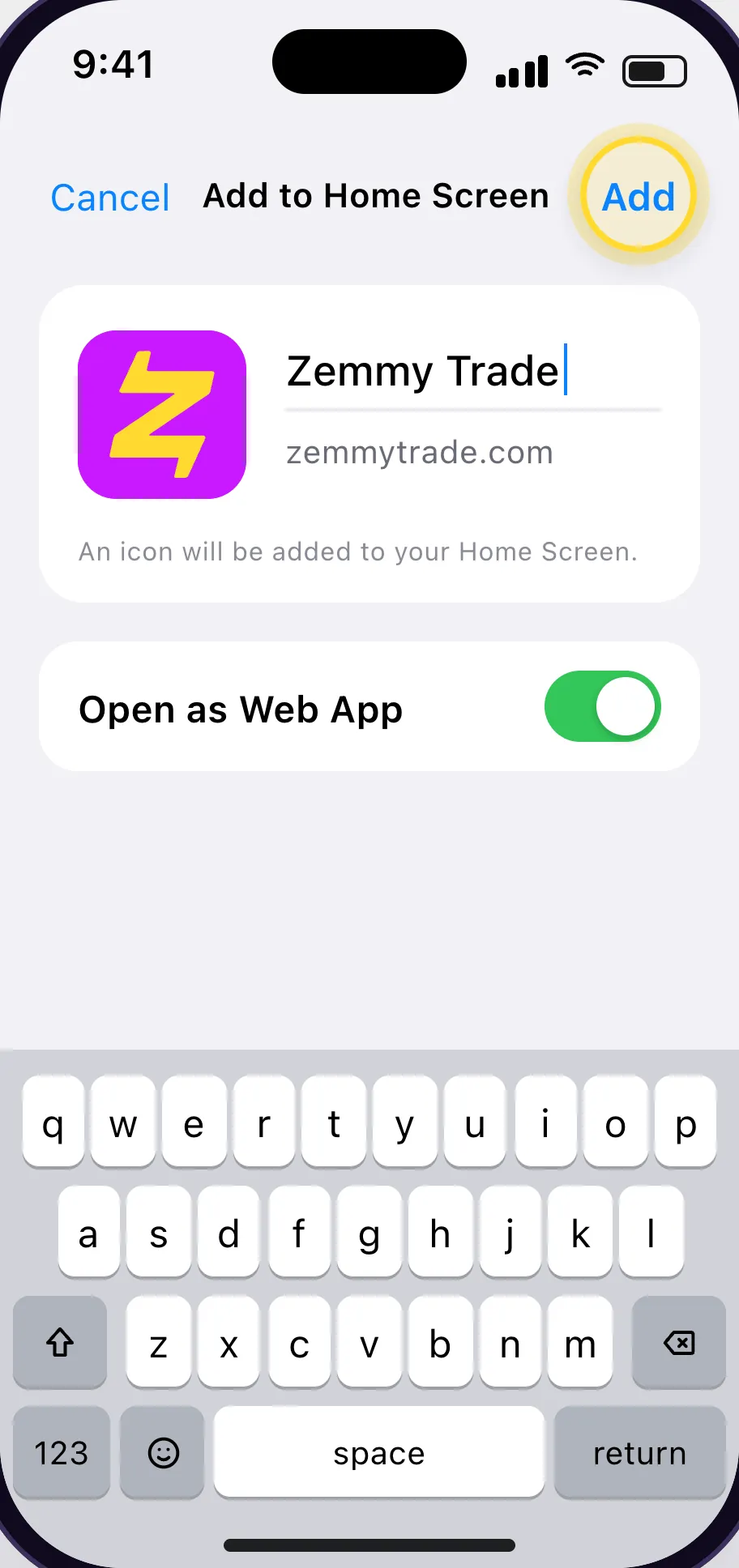
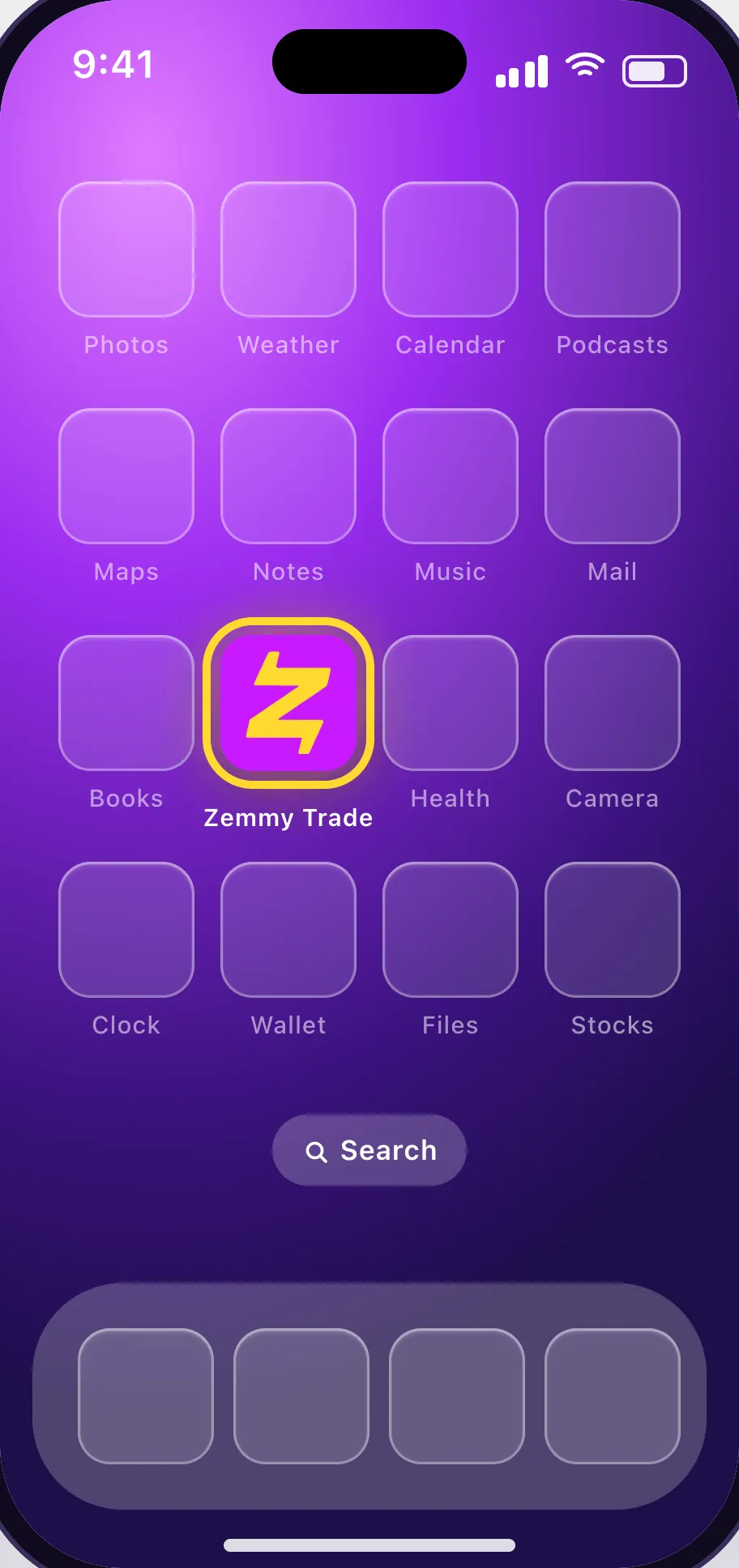
All done! Told you it was easy.
Open zemmytrade.id in Chrome on your Android phone.
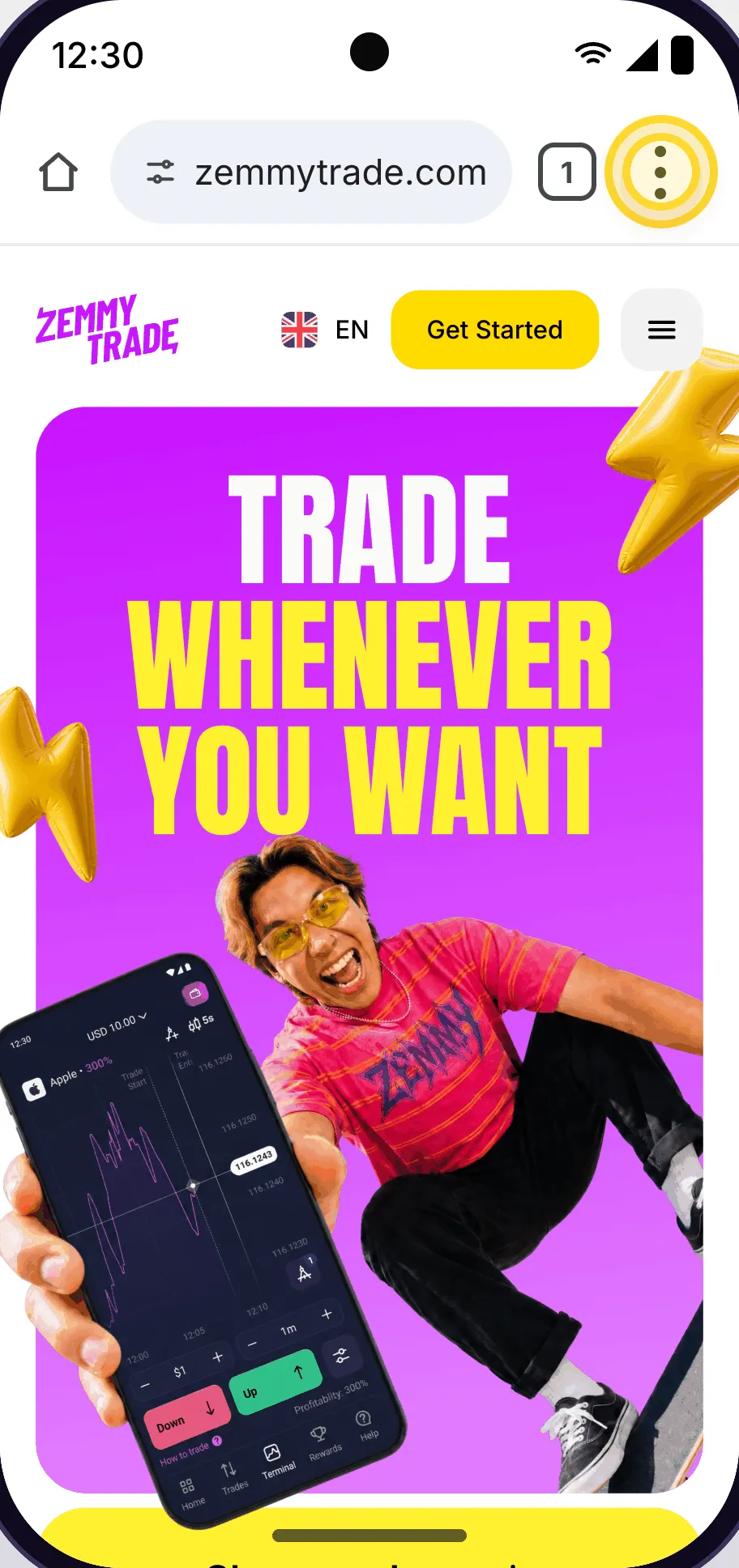
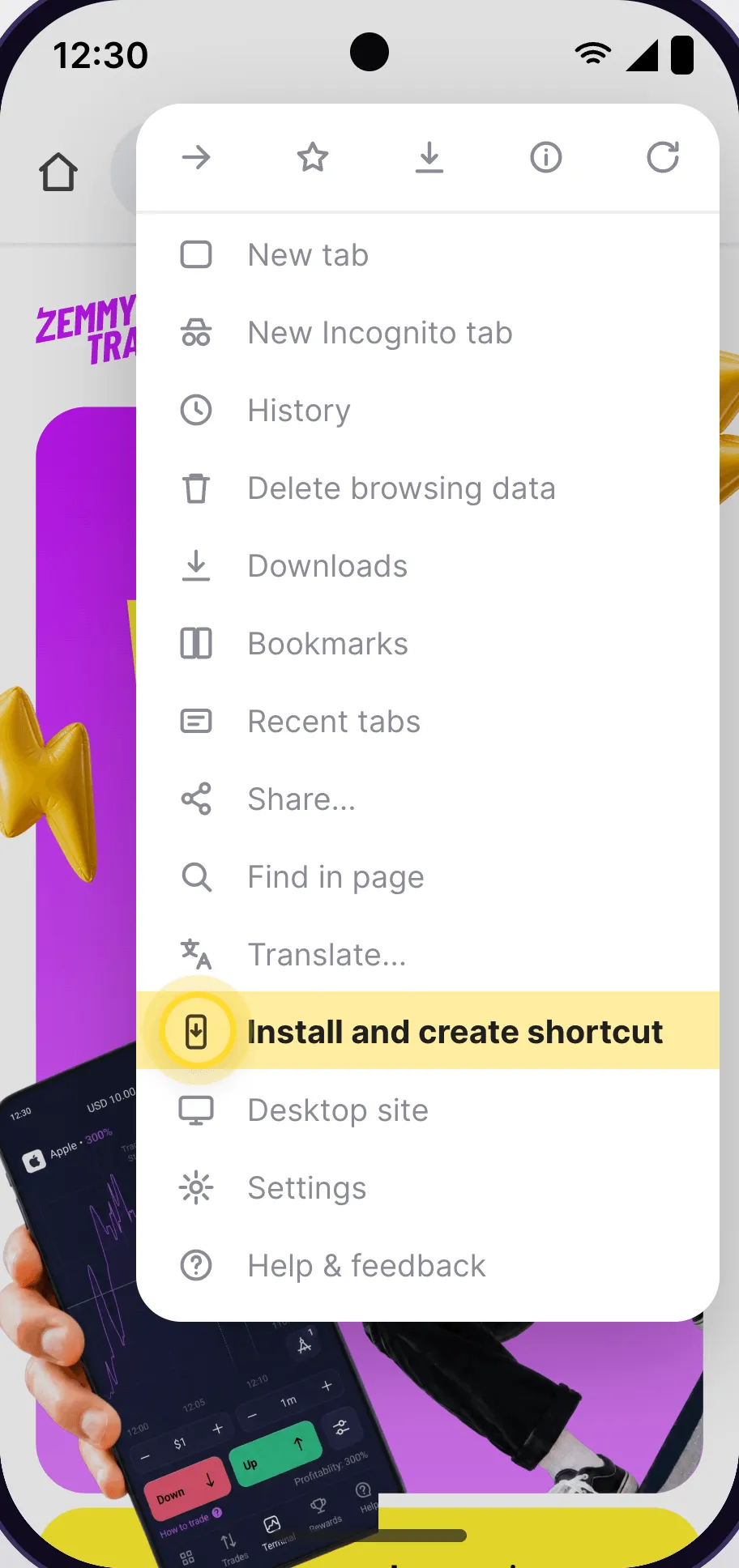
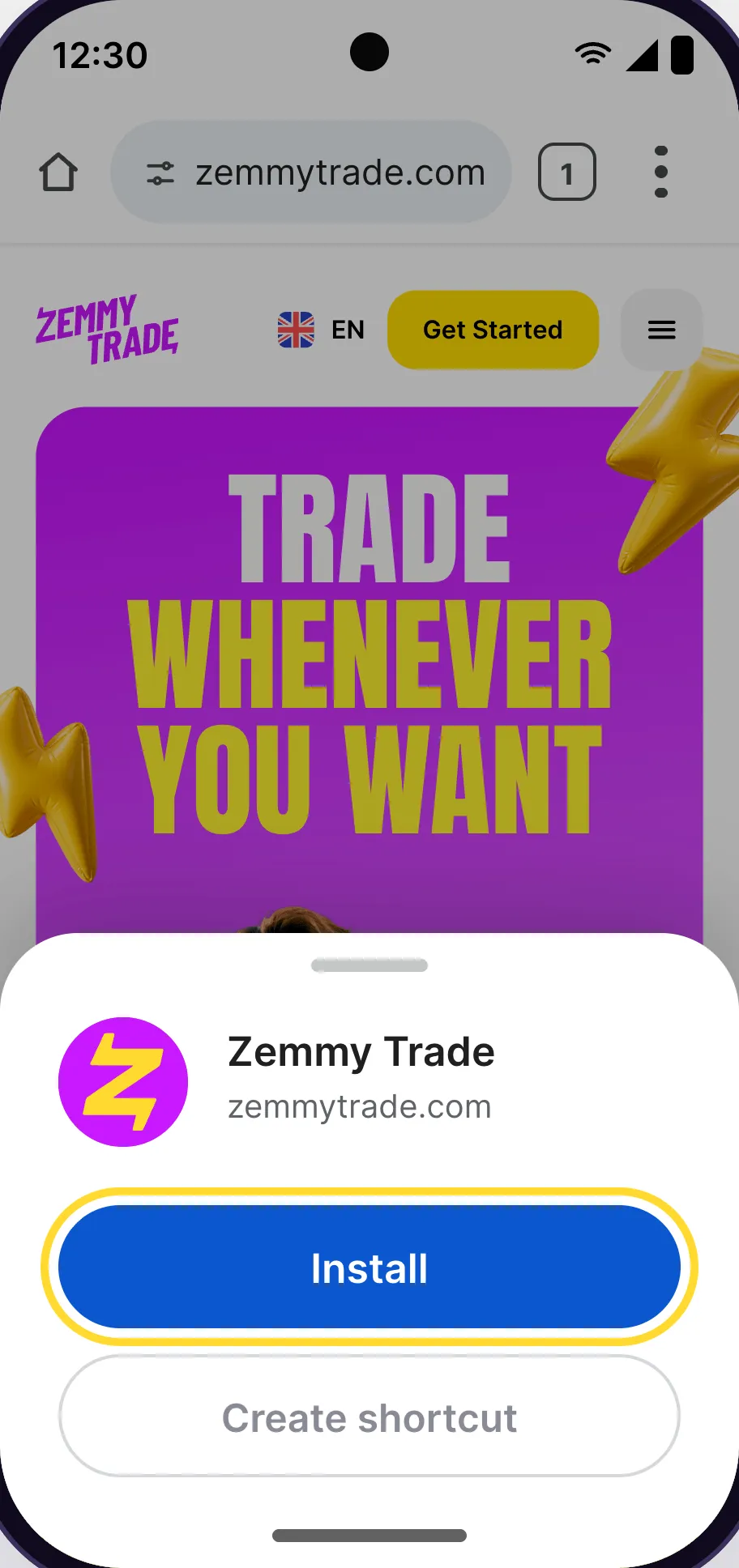
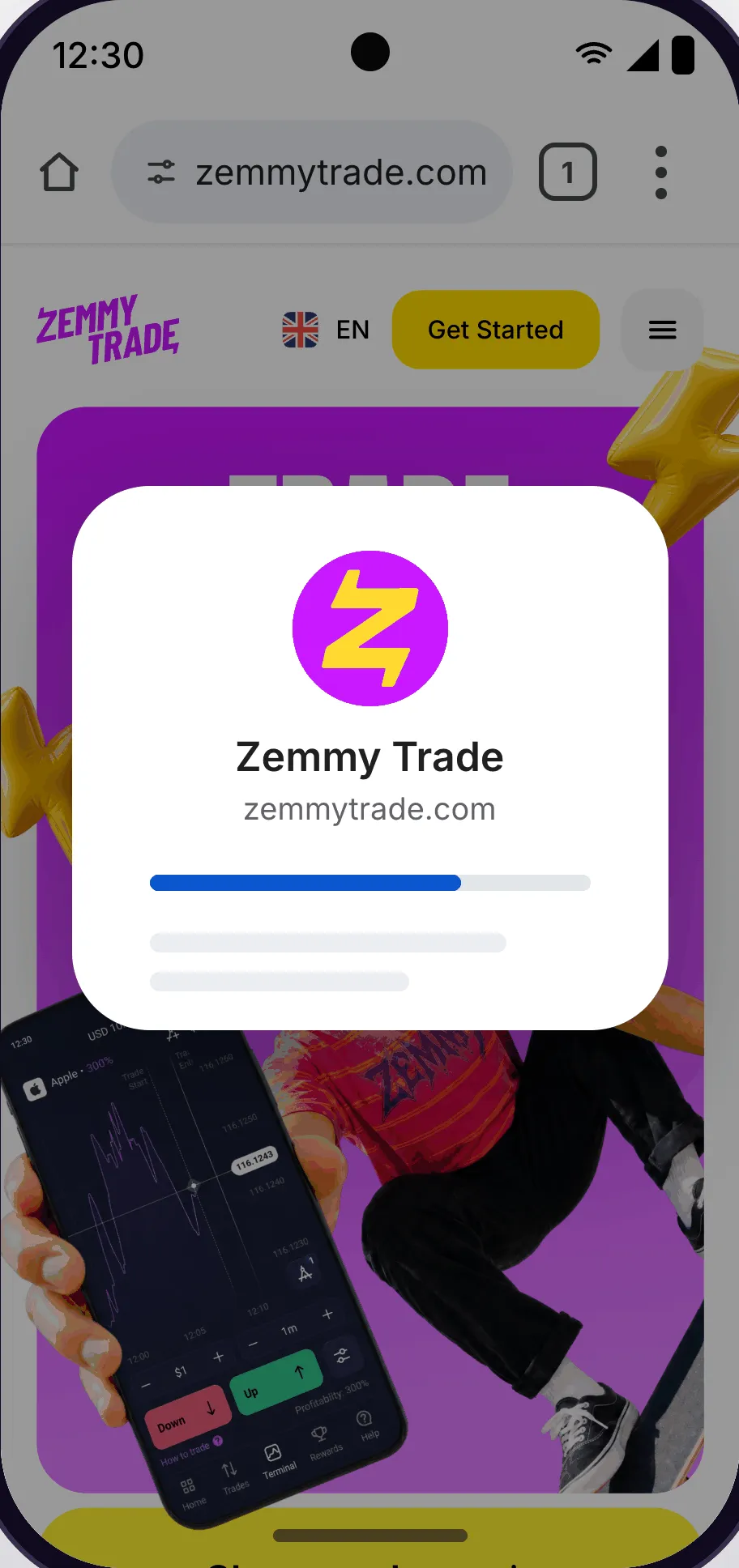
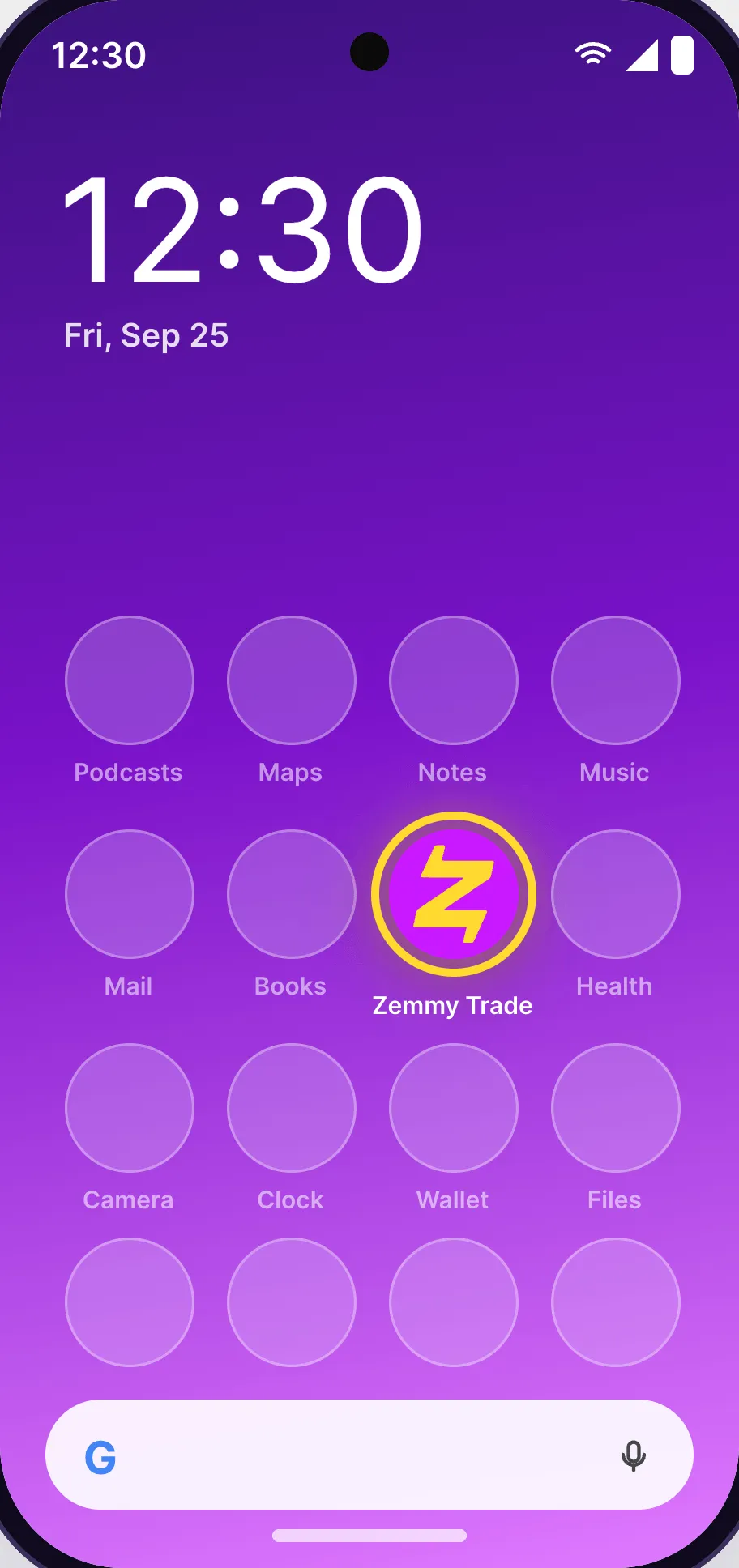
All done! Told you it was easy.
It is a lightweight web app you can open in a browser and add to your Home Screen. Progressive Web App (PWA) technology lets a web service work like a phone app without looking for a separate APK or an app-store download.
For the trading app, use the official Zemmy Trade website and check its address before installing. There is no need to download files from third parties or disable phone security. zemmytrade.id is an independent guide, not the publisher of the trading app.
Installing the web app is free. You can also try the demo account without using real money. Internet charges and transaction fees or conditions are determined by the respective service providers.
On iPhone, press and hold the app icon, choose the removal option, and confirm. On Android, go to Settings → Apps → Zemmy Trade → Uninstall. Removing the app or shortcut does not close your Zemmy Trade account.
The service provider updates the web content. You generally do not need to download a file or press an update button. Keep your browser up to date and follow any update notices it displays.